

The AI Era

UX/UI Operating System

More Projects:

Our AI Agent Team

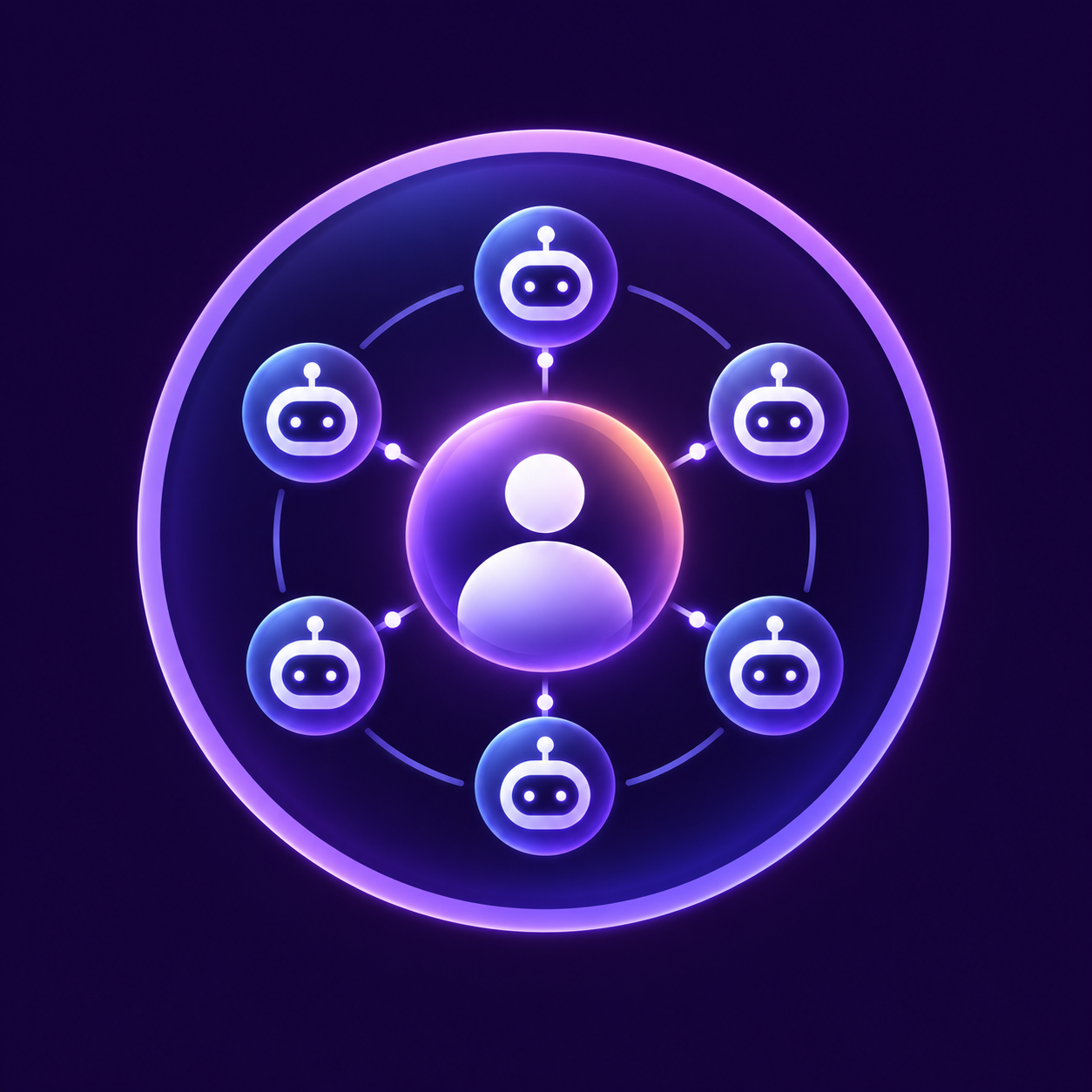
Our UX/UI Operating System combines human expertise with a specialized team of AI agents. Integrated throughout the process, they analyze information, identify gaps, support quality reviews, and reduce repetitive work.

The human expert remains in control – setting the direction, applying professional judgment, and reviewing every output before it informs a decision.

Key Benefits

Save Time 

The agents take on the scanning-heavy work: background mapping, reviewing hundreds of screens and cross-checking against structured checklists. 

The result is either the same level of depth in less time – or greater depth within the same timeline. 

More Complete Deliverables 

Issues discovered too late are often not caused by a lack of knowledge, but by limited capacity. 

The agents surface missing scenarios and gaps while they are still inexpensive to fix, helping the prototype reach development in a much more complete state. 

Consistent Quality at Any Scale 

In systems with hundreds of screens, quality tends to erode over time: the first screens receive full attention, while the last ones receive whatever capacity remains. 

The agents apply the same standard to screen one and screen two hundred – regardless of who worked on them.

Project Example

Project Example

As part of a product strategy analysis we conducted for Backslash Security, we identified a significant need to refresh the system’s existing Look & Feel in order to better reflect the innovation of the product itself. 

As part of defining the new visual language, we conducted a detailed Accessibility & Design Audit that analyzed interface components, contrast ratios and visual hierarchy. 

The audit allowed us to create a data-driven upgrade process that delivered a modern, clean and premium visual experience while also meeting strict accessibility standards – including WCAG 2.2 Level AA – and ensuring a highly accurate and usable experience.


Our Agents

Group 1707478609
Group 1707478732 (1)
Group 1707478674 (1)
Group 1707478739 (1)
Group 1707478819 (1)

Product-UX Strategy Assistant

Organizes and structures the knowledge collected at the beginning of the project – including the company, product, business goals, users, KPIs, flows and existing knowledge gaps. 

It helps the team start from a shared and clearly structured foundation without replacing the learning phase, interviews or professional thinking.

01
02

Trust Builder - Beta

Part of our Design for AI methodology. 

It helps the team identify and design the touchpoints that influence user trust – transparency, control, certainty, feedback and consistent system behavior. 

Currently in Beta and gradually being integrated into our ongoing work.

Explainability Expert - Beta

Helps define how and when the system should explain itself – what the AI did, what information it relied on, how confident it is, and what the user needs to know in order to make a decision. 

Currently in Beta and gradually being introduced as part of our Design for AI process. 

03
04

UX Design Scout

Reviews the detailed UX design and identifies missing states, edge cases, flow issues, unclear interactions, actions without feedback and areas where an additional decision is still required. 

It serves as an additional review layer that helps us reach a more complete and accurate specification before development.

Accessibility Auditor

Evaluates the design against accessibility and Human Factors requirements while it is still in the Design phase – when changes are still simple and inexpensive. 

It currently supports both WCAG and MIL-STD-1472, including systems operating under demanding conditions such as operational pressure, low-light environments and physical constraints.

05
06

Component Mapper

Maps existing screens and components, identifies duplication, variations and recurring patterns, and creates a structured foundation for building the Design System. 

This is the first mapping stage in our Design System for the AI Era process.

Components & Variables Connector

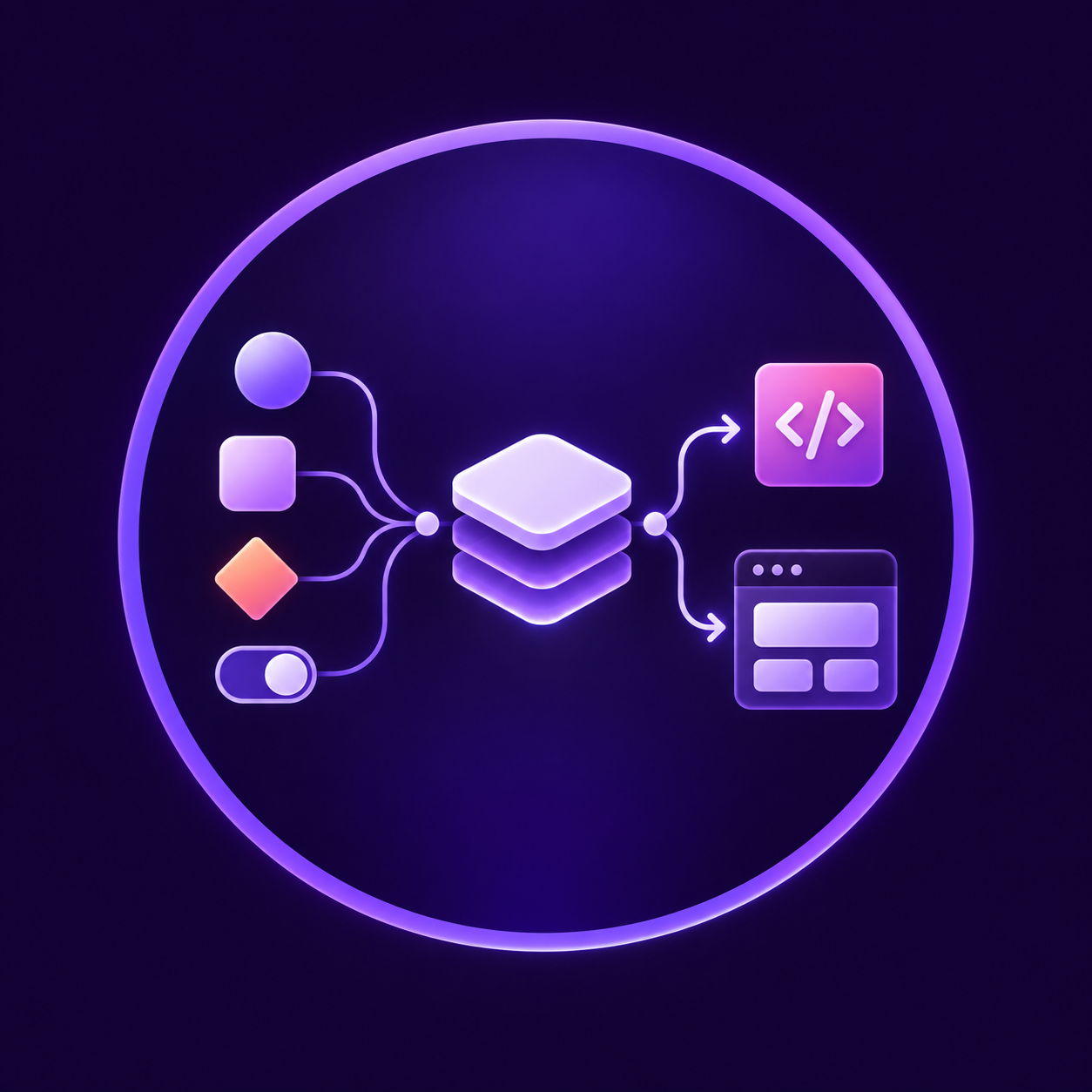
Connects Components to Variables and ensures the system is built on consistent logic rather than manual values. 

This makes changes scalable, manageable and better prepared for integration with Tokens, code and AI. 

07
08

Responsiveness Definitions

Defines how the interface behaves across breakpoints, resolutions and devices – including Layouts, Components, Tables, Charts, Navigation and content. 

The goal is to create consistent, clearly defined responsive logic rather than solving responsiveness separately for every screen. 

Additional Example

Where Complexity Meets Precision: Comprehensive UX Definition and Complete Readiness for Development

As part of a redesign project for a complex insurance platform, Joshu, we deeply analyzed and redesigned a wide range of core workflows that form the heart of the users’ day-to-day work. 

To ensure the final deliverable was fully ready for implementation, we added the UX Detailed Design Agent – SpecScout – as a complementary step in the process.

The agent scanned the Figma prototype in depth, surfaced edge cases and highlighted areas that required additional definition. 

The combination of in-depth UX design and automated review creates significant value for development teams: 

  • Fewer surprises during development: Centralized and clear definition of edge cases, including error states, empty states and long-content scenarios. 
  • Significant savings in time and resources: Less unnecessary back-and-forth between designers and developers during implementation. 
  • Maximum completeness and product quality: A much more complete and documented handoff to development.